Performance Report
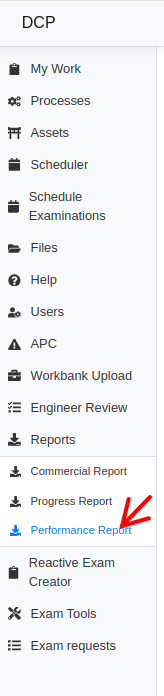
To access the Performance Report, users should click on the Performance Report.
To generate a report, the user must select the "Contract Year" and click on the "Generate Report" button.
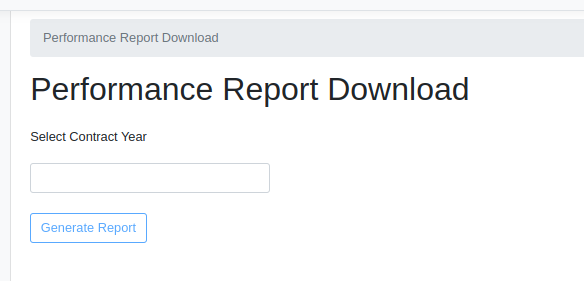
The Performance Report tool generates an Excel report of existing exams based on the chosen "Contract Year".
Exams Performance Report
The "Exams Performance Report" tab includes data for all types of exams. This sheet provides details on the following properties for each exam.
- Contract Year
- NR Route
- Contract Lot Number
- ELR
- Structure Ref Number
- Asset Type
- Structure Name
- Miles
- Yards
- Chains
- OS Grid Ref
- Report Type
- Exam Frequency
- CARRS Exam ID
- Process ID
- ReportStatus
- Days between exam date and cover sheet completion
- Days between exam date and examination section complete
- Days between examinations section completion and engineer assignment
- Days between engineer assignment and engineer action (approve / reject report)
- Days between engineer assignment and submission (approved)
- Number of time engineer has returned exam to examiner
- First submitted time
- Last submitted time
- % of examination section forms which have been modified (saved/completed) on the mobile app